Break Language Barriers — AI Translations & AI Summaries
Chat in any language. Understand every conversation. AI-powered, privacy-first.
AI Translations: Chat Without Borders
The world speaks in many languages — but your conversations shouldn't have language barriers. Birbli's AI-powered translation engine breaks down those walls, letting you understand and communicate with anyone, regardless of what language they speak.
Birbli offers two powerful translation modes:
1. Auto-Translate Incoming Messages
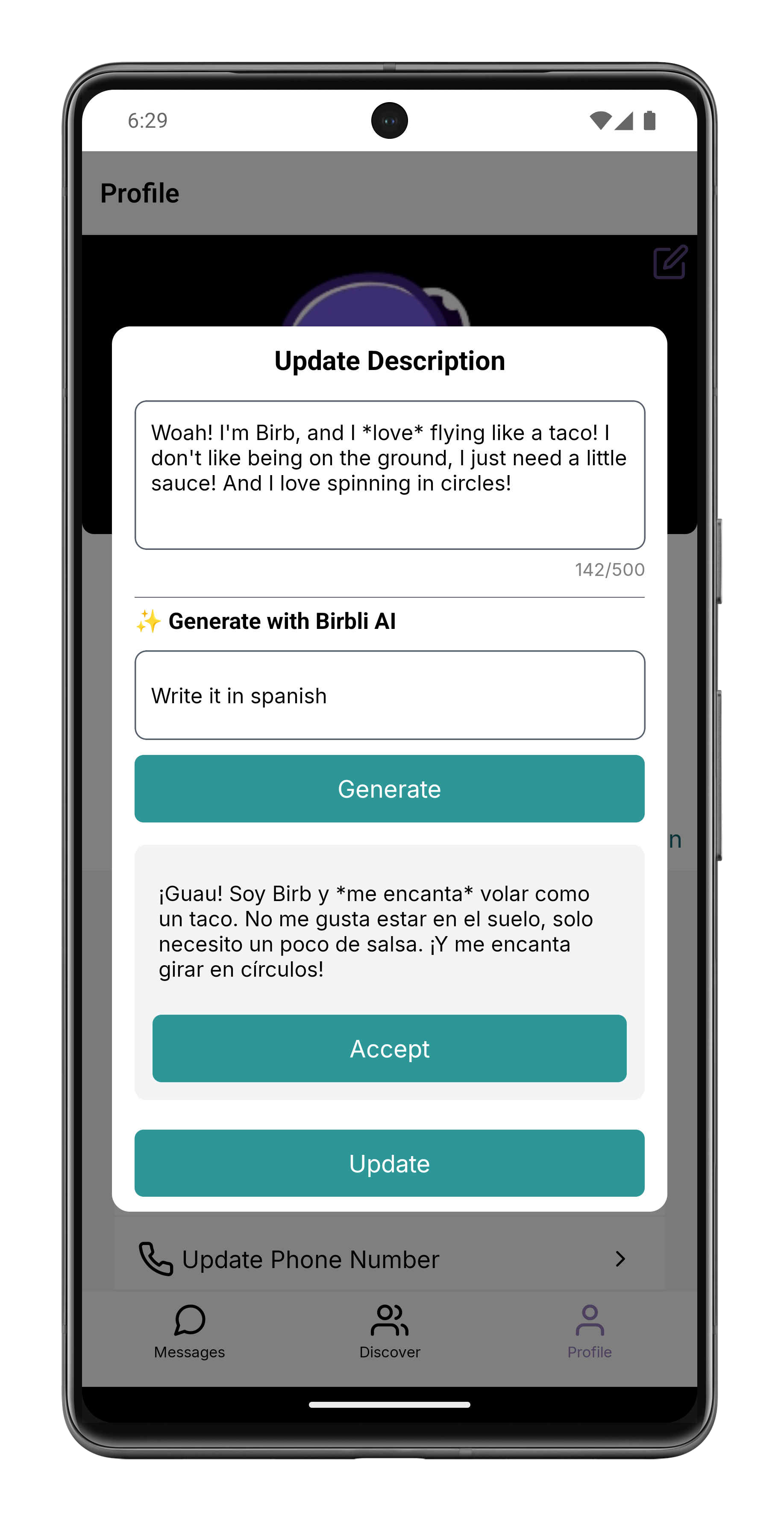
Enable auto-translate in your Profile settings and Birbli silently detects the language of every incoming message. If it's in a language different from your preferred one, the message is translated automatically before you even see it. You read everything in your native language, effortlessly. The translation happens on your device using an on-device LLM — meaning your messages never leave your phone for a translation service.
2. On-Demand Translation
Long-press any message to bring up the context menu, then select the "Translate icon". A language picker modal will appear, letting you choose your target language. Tap your preferred language and the translation appears instantly alongside the original message. Perfect for bilingual conversations where you want to flip between languages.
Supported languages include: English, Spanish, Korean, and Chinese (more to come soon). The on-device LLM handles nuanced context and idioms far better than traditional translation APIs.
How to set it up: Go to your Profile → Enable "Birbli AI" → Toggle "Auto-Translate Incoming Messages" → Tap "Selected Language" to pick your preferred language from the modal. Done. Every incoming message in a foreign language will now appear in your language automatically.
AI Summaries: Catch Up in Seconds, Not Hours
Walk away from your phone for an hour. Come back to 200 unread messages in your busiest conversation. Do you really have time to scroll through everything? With Birbli's AI-powered conversation summaries, you don't need to.
Tap the "+" button in the message input bar to reveal a dropdown menu with options for Camera, Images, and the sparkle icon for AI Summaries. Tap the sparkle icon and Birbli generates a concise, AI-written summary of the entire conversation. Key topics, decisions made, action items, inside jokes — all distilled into a few readable paragraphs. It's like having a personal assistant read your chats and hand you the highlights.
Important: AI features require Birbli AI to be enabled in your Profile settings before they appear. Navigate to your Profile → toggle "Birbli AI" on. Once enabled, the sparkle icon will appear in the "+" dropdown menu alongside Camera and Images.
Here's what makes Birbli's AI summaries stand out:
- On-device processing: Your entire conversation stays on your phone. The AI model runs locally — no data is uploaded to cloud servers
- Language-aware: Summaries are generated in your preferred language. Set it to Spanish and even English conversations will be summarized in Spanish
- Context-aware: The AI understands conversation flow, identifying who said what and tracking topic transitions naturally
- One-tap generation: No complex setup. Just tap the sparkle icon and wait a few seconds for your summary
Use cases that make life easier:
- Professional consultations: Quickly recap a client meeting by summarizing the conversation afterward
- Group chats: Missed the group chat drama? Get caught up in 30 seconds
- Handoffs: Share a summary of a conversation context when passing information to someone else
- Memory aid: Revisit old conversations and let AI remind you what was discussed
Privacy note: Both translation and summarization run on-device using Apple's and Android's native on-device LLM frameworks. Your conversation data never leaves your device for AI processing. This is true private AI — the kind that respects your end-to-end encryption promises.
How to Get Started
AI features require a compatible device with on-device LLM capabilities (iPhone 15 Pro and later, or select high-end Android devices). Once your device is eligible:
For translations: Profile → Enable Birbli AI → Toggle Auto-Translate → Select your language. For on-demand translation, long-press any message and tap the "Translate icon"
For summaries: Open any conversation → Tap the "+" button in the message input bar → Select the sparkle icon from the dropdown (between Camera and Images) → Read your AI-generated summary in a beautiful modal.
Language barriers are a thing of the past. Endless message scrolls no longer intimidate you. With Birbli's AI translation and summarization, you communicate freely across the globe — privately, efficiently, and effortlessly.
Experience AI that respects your privacy. Download Birbli today and communicate without limits.