Learn how to make money using Birbli
Getting paid to chat has never been easier
Installation
To start making money with Birbli, download the Birbli app on your mobile device.
Once installed, follow the registration prompts. You will need to select a unique username and email address; adding a phone number is OPTIONAL. After completing the signup flow, you must verify your email address. This is a required step to log into your account.
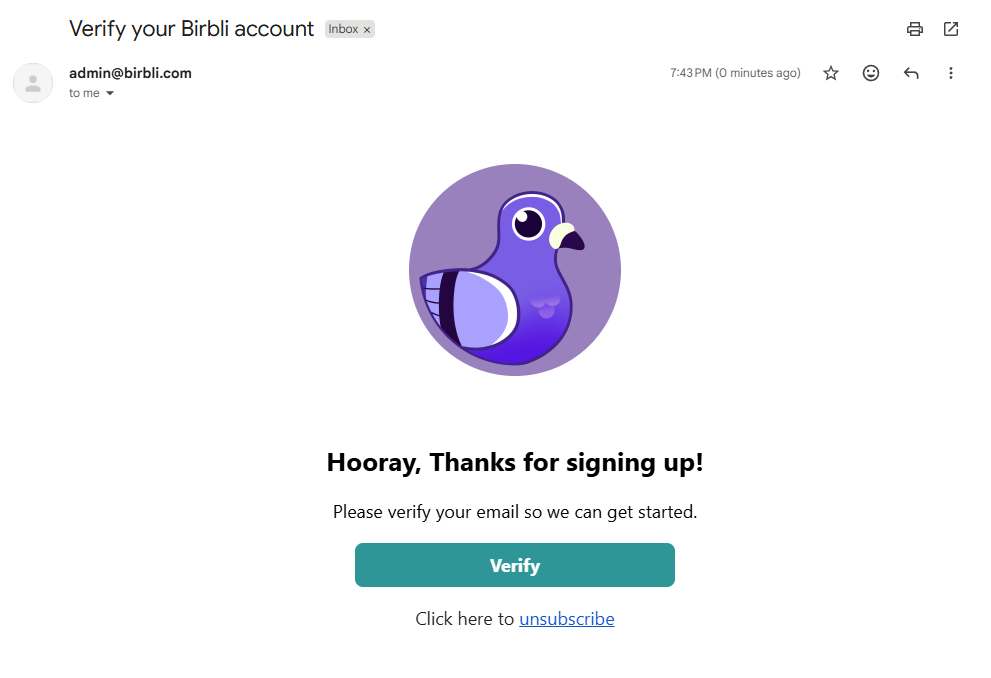
*NOTE: After logging in, we HIGHLY recommend backing up your account keys/credentials. This prevents permanent data loss if you lose your device. Backups can be made via QR code or our password-based export feature.
Becoming a Pro Chatter
Standard Birbli users can communicate in private 1-on-1 and group chats. However, to monetize your time, you must become a Pro Chatter. Anyone can become a Pro Chatter, and it is 100% free to get started.
To upgrade, head to your Profile page and select "Become A Pro Chatter." Follow the on-screen steps to onboard. All payment data is securely handled by our payment provider, Stripe. Once completed, you will have access to your Stripe Dashboard to manage your earnings, availability, and hourly rate.
Setting your hourly rate
To set your rate, go to your Profile and select "Update Hourly Rate." You can flexibly adjust this anytime between $10 and $500. Reservations are billed in 30-minute increments. For example, if your hourly rate is $20, a 30-minute reservation is billed at $10 (before processing fees).
Setting your availability
Head to your Profile to manage when you are free. You have two options:
1. Update Availability: Select specific dates and times for one-off availability.
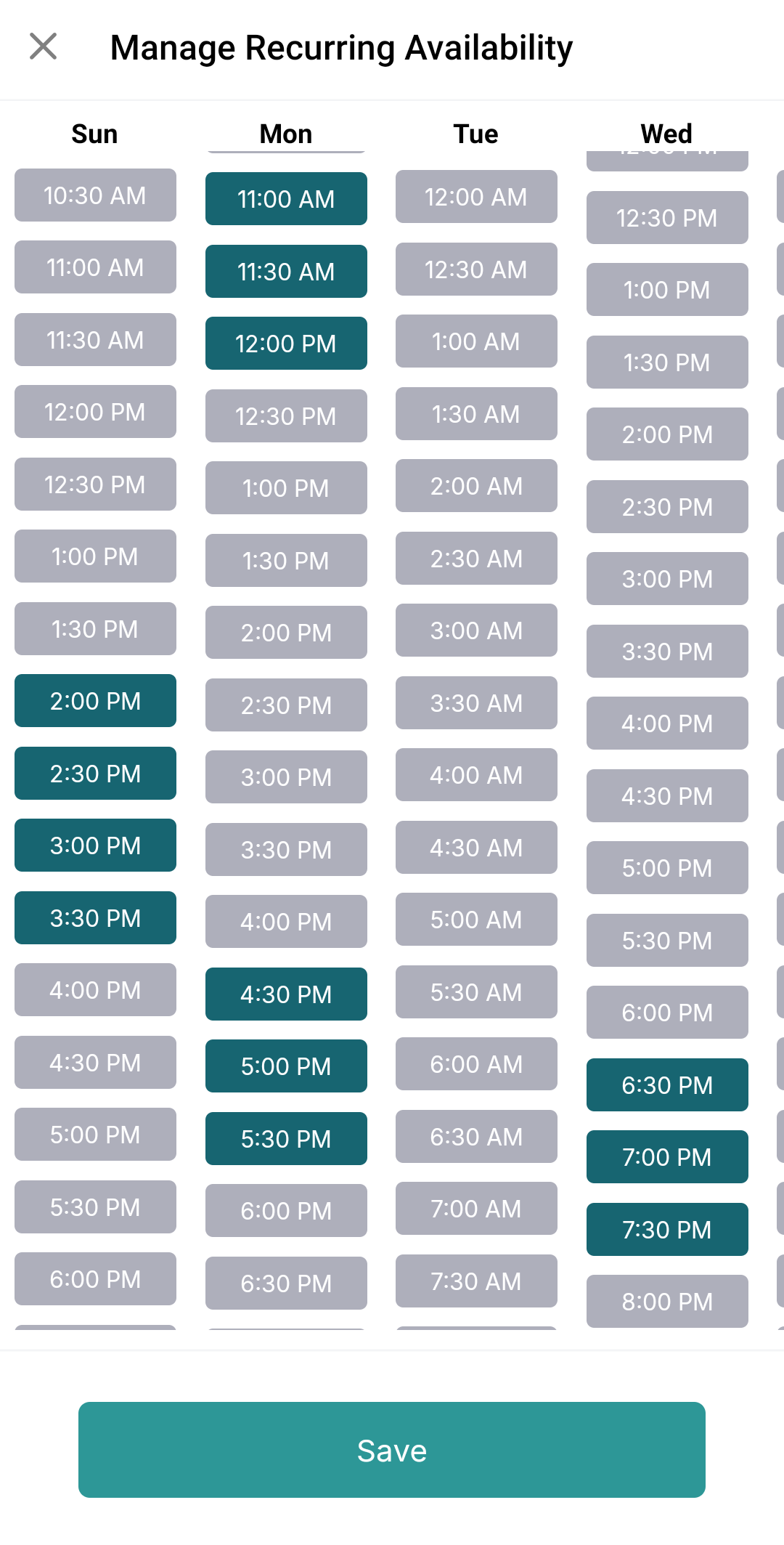
2. Recurring Availability: Set a repeating weekly schedule (e.g., every Monday from 5:00 PM to 7:00 PM PST).
You can use both methods simultaneously; specific slots and recurring schedules will simply overlap to give users more options to book you.
Accepting a request
Now for the fun part! Birbli users can discover your profile via the Discovery Page by searching for topics they are interested in. Whether people are seeking advice, consultation, or casual conversation, your profile will appear in their search results if you fit their criteria.
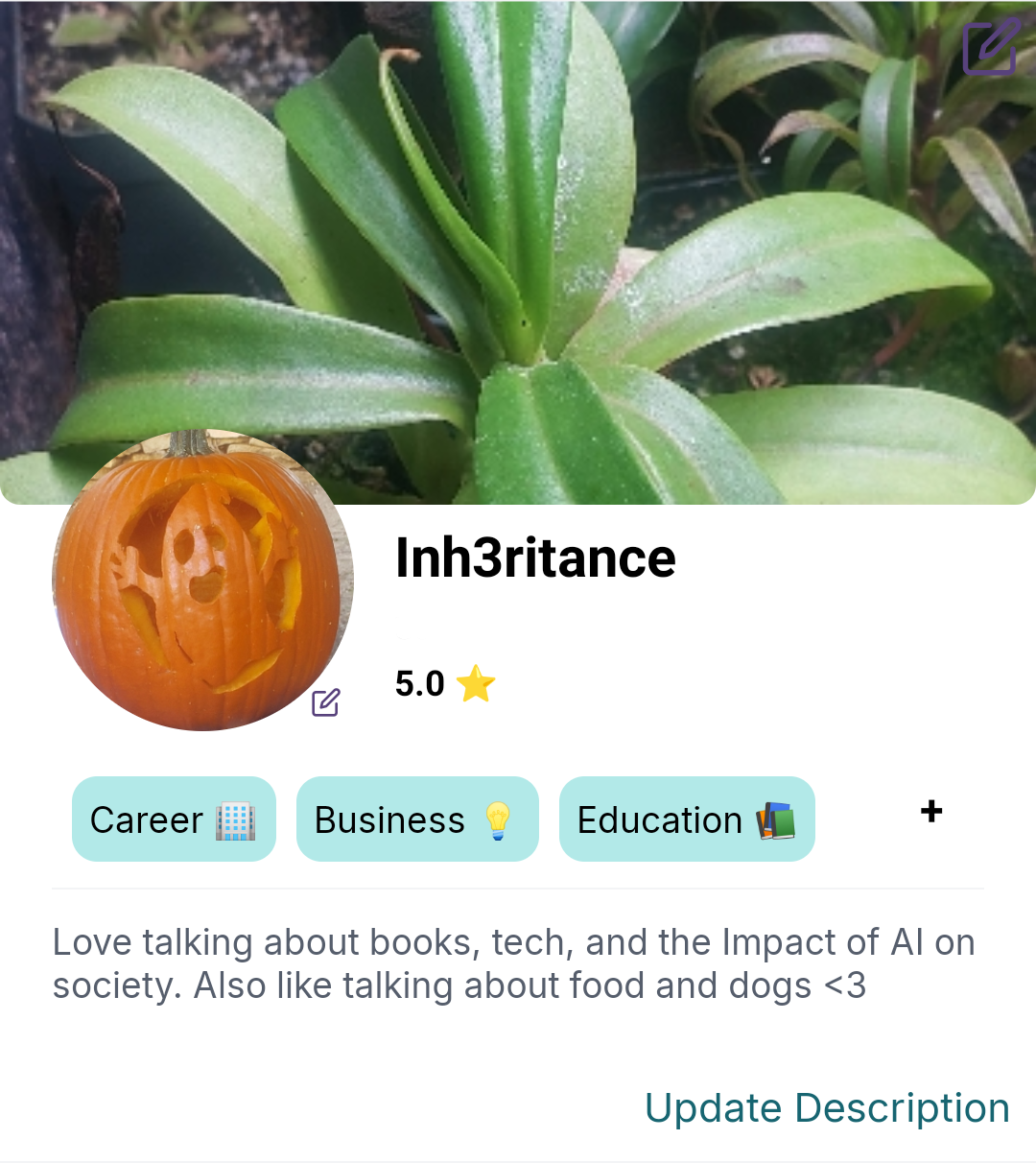
We highly recommend customizing your profile to stand out. Adding a profile picture, background image, bio, and relevant tags makes it significantly easier for users to find and book you.
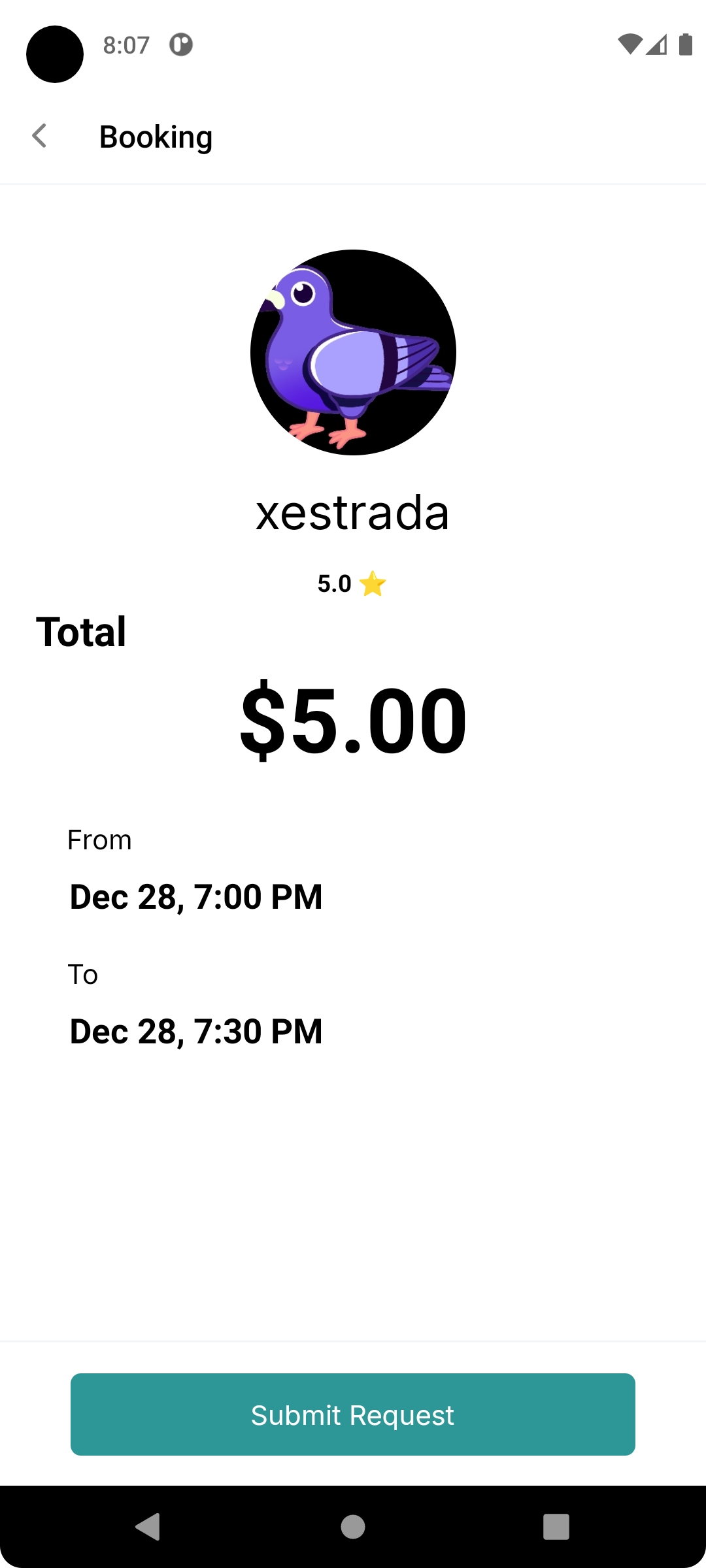
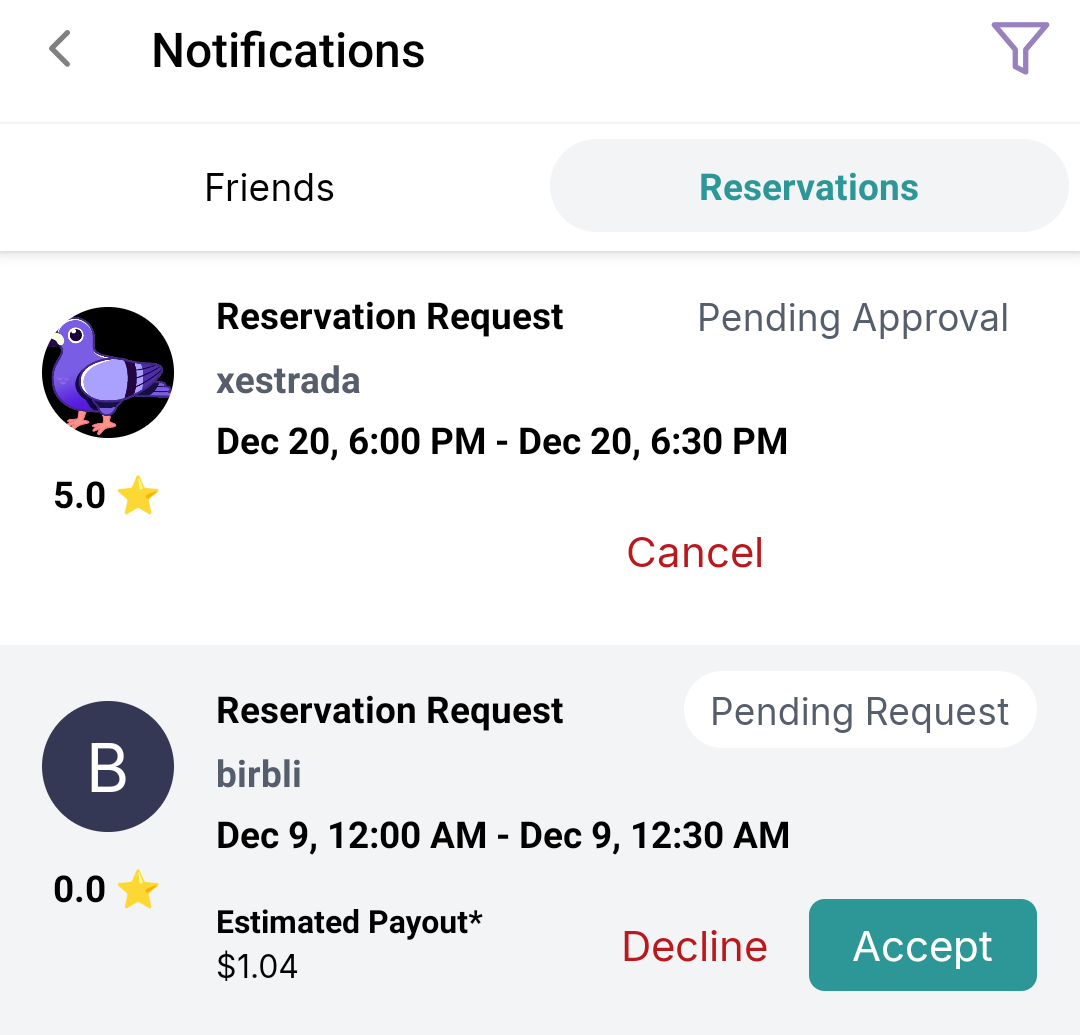
You will receive app notifications for new requests. To view them, tap the Bell Icon on the Home Page. Notifications are separated into Friend Requests and Reservation Requests. In the Reservations tab, you can view your full history (upcoming, past, declined, etc.). When a new request arrives, you can review the potential earnings, date/time, and the requester's profile before choosing to "Accept" or "Decline."
Fulfilling the reservation
Once a reservation is accepted, the chat session will automatically unlock at the scheduled time. Ensure you are online and ready to chat! The chat interface will display a color-coded status to indicate the current state of the reservation (e.g., Active, Completed, or Reported). Lastly, and remember! Do not give out personal information including physical location, credit card / banking info, phone number, and your private Birbli user ID for your own safety.
For a visual walkthrough, check out our video below: